A Strategic Framework for Video Editors, Freelancers & Entrepreneurs (Beginner to Advanced)
The landscape of digital marketing and ad production is evolving rapidly. Whether you are a video editor, a freelancer on Upwork/Fiverr, or a solo entrepreneur, this guide will streamline your ad production and creative workflow, making it faster, cheaper, and remarkably scalable.
Drawing from 4+ years of experience as a Meta & Google media buyer handling international clients and agencies, one key truth stands out: Ad visuals and marketing sales funnels are deeply intertwined—without compelling creatives, driving high-converting campaign performance is impossible.
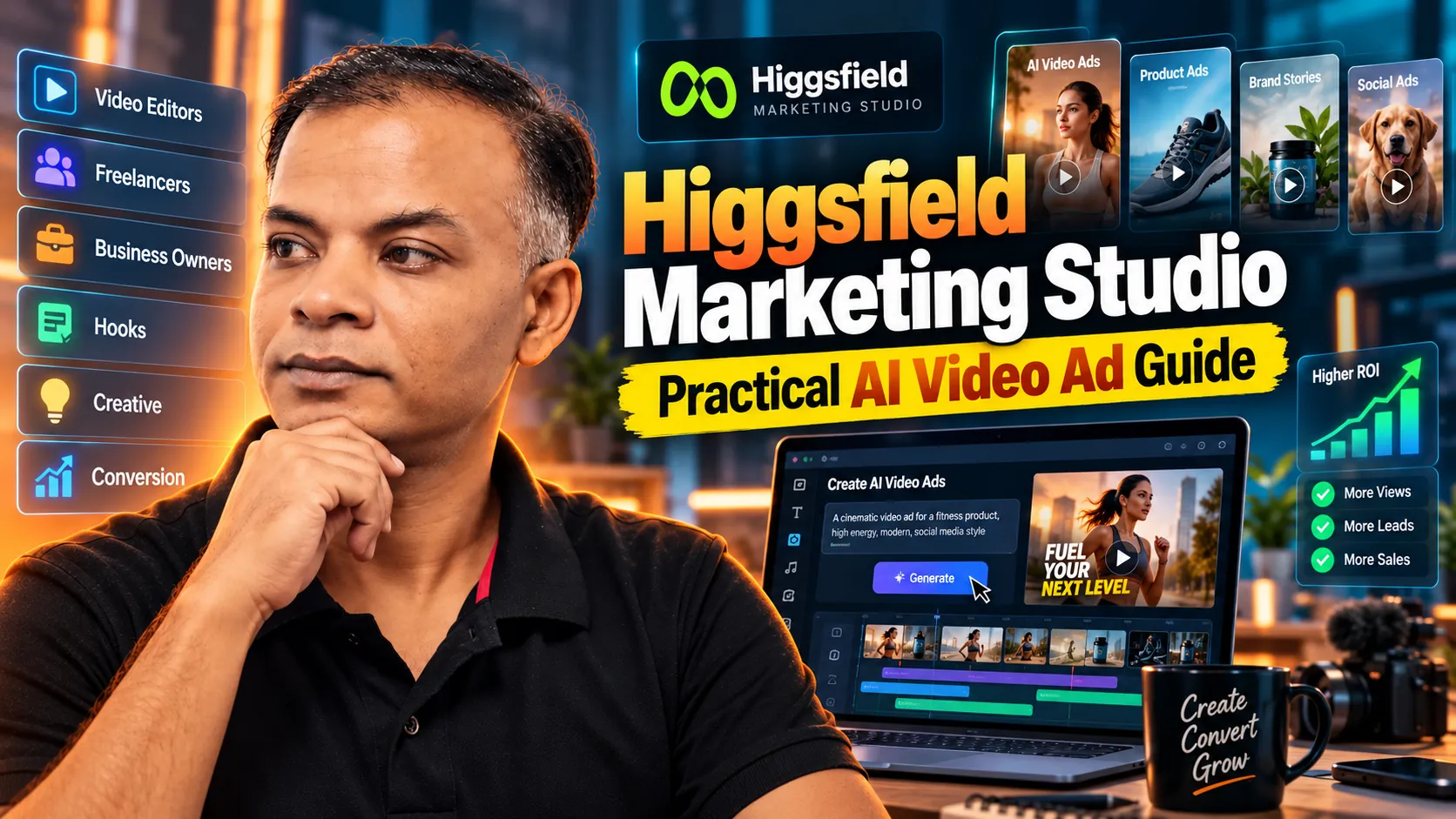
Creating high-performing video ads traditionally involves heavy dependencies—hiring UGC creators, renting studio space, and lengthy post-production cycles. The rise of AI has not reduced the demand for video editors and freelancers; rather, professionals who master AI video ad creation tools are commanding higher rates than ever. This guide provides a practical, step-by-step roadmap to producing high-converting, agency-grade video ads using Higgsfield Marketing Studio.
What is Marketing Studio & Why is it a Game-Changer?
Higgsfield Marketing Studio is an advanced AI-powered video ad creation ecosystem. Unlike standard AI video generators that rely on blank text prompts, Marketing Studio centers around your specific product assets, brand identity, and marketing objectives to generate high-converting static and dynamic video ads.
Traditional agencies often charge thousands of dollars for manual video shoots, model hiring, and complex editing workflows. However, regardless of how strategic a creative concept seems, true performance can only be verified through A/B testing. Higgsfield Marketing Studio is trained on human buying psychology and consumer behavior, enabling you to produce and test multiple ad variations in minutes.
Get Started: Create a free account on Higgsfield to claim free credits and follow along with the step-by-step frameworks below.
Where Should You Begin? 4 Master Methods
When you have a product ready but lack a finished ad concept, where should you start? Depending on your available assets and creative goals, here is a summary of the four core frameworks:
| Framework | Best Used For | Primary Inputs Needed | Key Advantage |
|---|---|---|---|
| Method 1: Template Customization | Dynamic motion graphics, luxury product reveals | Product photo + Style edit prompt | Guarantees perfect product asset preservation |
| Method 2: Custom Prompt Engineering | Target buyer personas, custom storytelling, UGC | Detailed multi-attribute text prompt | Highly tailored scenarios for niche audiences |
| Method 3: Product Link Import | Rapid multi-format ads from existing web stores | Shopify / E-commerce URL | Automatically generates full Product Profiles |
| Method 4: Structure Cloning | Replicating viral ad hooks and motion dynamics | Reference video link + Custom prompt | Transfers proven viral pacing to your product |
Method 1: Ready Template Customization (Template Method)
When to Use: When you have high-quality product images and want to produce sleek, dynamic videos with professional camera angles, lighting, and motion without wasting time.
Workflow & Best Practices
- Select a template matching your product category and desired aesthetic from the Marketing Studio library.
- Upload your high-resolution product image.
- Utilize the Describe your edit field to preserve brand identity. Leaving this field blank may allow the AI template style to alter your product packaging, typography, or logo.
Real-World Example
Suppose we are promoting “Aura Botanicals Glass Face Serum”, a luxury skincare product. To preserve the original amber glass bottle, gold dropper cap, and white label typography, we use the following custom edit instruction:“Keep the exact amber glass dropper bottle, gold cap, and clean white typography of Aura Botanicals intact. Only adapt the background into a minimalist spa setup with soft morning sunlight, gentle water ripples, and natural botanical shadows.”
Result: A stunning motion ad that maintains 100% brand consistency while placing the product in an elevated, high-converting scene.
Method 2: Custom Prompt Engineering (Custom Prompt Method)
When to Use: When your product has an unusual shape, or when building targeted User-Generated Content (UGC) ads tailored to specific buyer personas, industries, and custom storylines.
Workflow & Best Practices
Define the subject, environment, action, lighting, camera movement, and creative boundaries yourself rather than relying on preset templates.
Real-World Example
For a small business management app called “BizMate CRM”, we generated 3 distinct UGC-style video ads tailored to specific buyer personas:
- Persona 1 (Clothing Boutique Owner): A boutique owner managing customers on-site while tracking daily sales and inventory with a single tap on a tablet.
- Persona 2 (Café Manager): A busy café manager standing next to an espresso machine, quickly auditing supply chain expenses on a smartphone.
- Persona 3 (Digital Editor / Freelancer): A freelancer in a co-working space using a laptop to dispatch instant invoices and automated payment reminders.
Why It Works: Adapting the core product benefit to distinct professional environments creates immediate resonance with target audiences.
Method 3: Product Link Importation (Product Link Method)
When to Use: When your product already has an active Shopify store, e-commerce site, or dedicated landing page URL.
Workflow & Best Practices
- Open Product Link, paste the URL of your e-commerce product page, and click Continue.
- Marketing Studio automatically parses product images, titles, descriptions, and key features to build a reusable ‘Product Profile’.
- Clean up any parsed technical disclaimers or unnecessary text to keep the profile focused.
Real-World Example
Importing the landing page URL for “Pulse Pro Wireless Headphones” allows Marketing Studio to extract color variants, 3D product shots, and active noise-cancellation specs. This single profile can then be reused across Facebook Reels, TikTok, and Instagram Stories ad formats.
Method 4: Successful Ad Structure Cloning (Ad Reference Method)
When to Use: When you find a viral competitor ad on TikTok or Meta Ads Library with an engaging hook, smooth transition, or compelling camera movement, and want to adapt that exact structure for your product.
Workflow & Best Practices
- Upload the reference video into Ad Reference.
- Marketing Studio analyzes the video and generates a detailed prompt describing the visual structure, camera angles, and motion sequence.
- Rewrite the generated prompt to replace original product descriptions with your own product attributes and transformation logic.
Real-World Example
For “Chronos Apex Smartwatch”, we uploaded a viral reference video featuring a liquid metal transformation effect. The auto-generated prompt read:“A sleek luxury metallic watch sitting on a reflective dark slate table. It dissolves into glowing liquid mercury and reassembles back into a watch with heavy studio lighting and dramatic camera zoom.”
We edited the prompt to feature our smartwatch branding:“A modern Chronos Apex Smartwatch with a matte-black titanium frame and vibrant AMOLED screen displaying health stats. The watch dynamically dissolves into flowing neon-blue energy particles on a polished dark surface. The camera remains in a steady front eye-level shot with subtle lens flare. The energy particles seamlessly morph and crystallize into the final Chronos Apex Smartwatch, highlighting its scratch-resistant glass and premium silicone strap.”
Result: A high-converting video ad retaining the viral pacing, camera angles, and hook of the reference while showcasing the new smartwatch identity.
Building a Scalable Workflow
To thrive as a freelance video editor or agency owner, move beyond generating single isolated videos. Combine all four methods into a unified production workflow: use Product Link for automated asset sourcing, Templates for fast motion ads, Custom Prompts for targeted UGC creatives, and Ad Reference to replicate winning ad structures.
Post-Production & Optimization Tools
- Higgsfield Genjutsu: Refine specific video elements or make micro-edits without re-generating from scratch.
- Virality Predictor: Analyze your completed creatives prior to campaign launch to evaluate Virality Score, Hook Timestamp, and Hold Rate, ensuring maximum ROI on ad spend.
- Ads Studio: Beyond Marketing Studio 3 Essential Higgsfield Tools for Your Complete Marketing Journey”
Summary
AI is transforming video advertising. Mastering AI workflows empowers freelancers, video editors, and business owners to deliver high-converting, agency-quality creatives in a fraction of the time and cost.
Start building your AI video ad workflow today with Higgsfield Marketing Studio!
About Author
Shajib Sutradhar
Creative Strategist • AI Content Creator
I am a professional digital marketer with over 6 years of experience working with international clients on Upwork. Alongside client services, I build passive income platforms and scalable AI advertising workflows. Through my official website Easypreneurship.com and my YouTube channel AI Creative Lab Studio (@AICreativeLabStudioAI), my mission is to provide practical, fluff-free tutorials and strategies for freelancers, e-commerce owners, and students looking to build sustainable digital careers.
🚀 Try Higgsfield AI for Professional Ad Creation
Founder of Easypreneurship.com
📱 WhatsApp: +8801715163076